Block time off
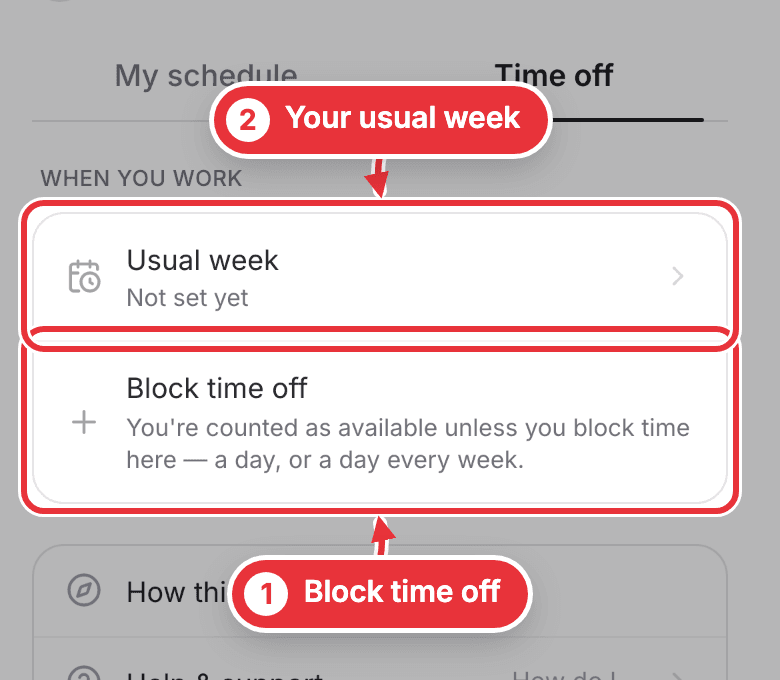
Need a day off? Block it on Me, under When you work at the bottom. There's no approval step: your managers see it on their calendar straight away.
Step 1. Open Me and scroll to When you work at the bottom. Press Block time off. Blocked some already? It says Block more time.
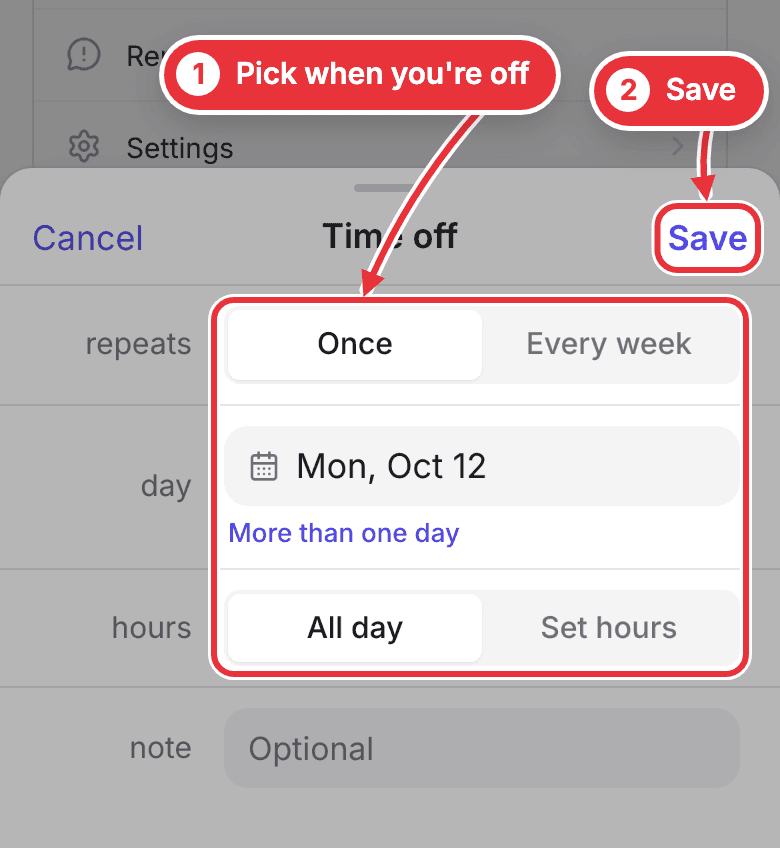
Step 2. Pick Once or Every week, the day, and All day or Set hours. Press Save.
Tell the studio your usual week
So they can book around you, say when you usually work.
Step 1. Press Set my usual week, pick your days, then when, and press Save. If you'll take any hours, press I work whenever I'm asked instead.
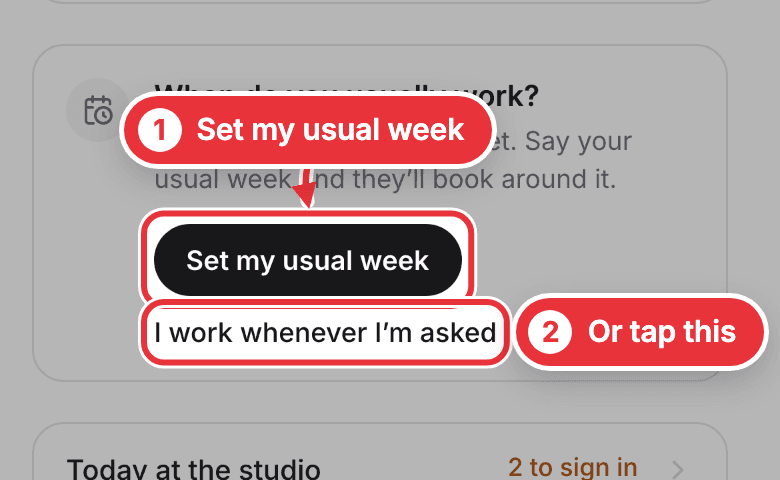
You can change it any time: open Me, scroll to When you work and press Usual week.