Clock in and out
Only people paid by the hour clock in, which is usually hosts. If you're paid per session or per day, you won't see a clock: your sessions and shifts are the record.
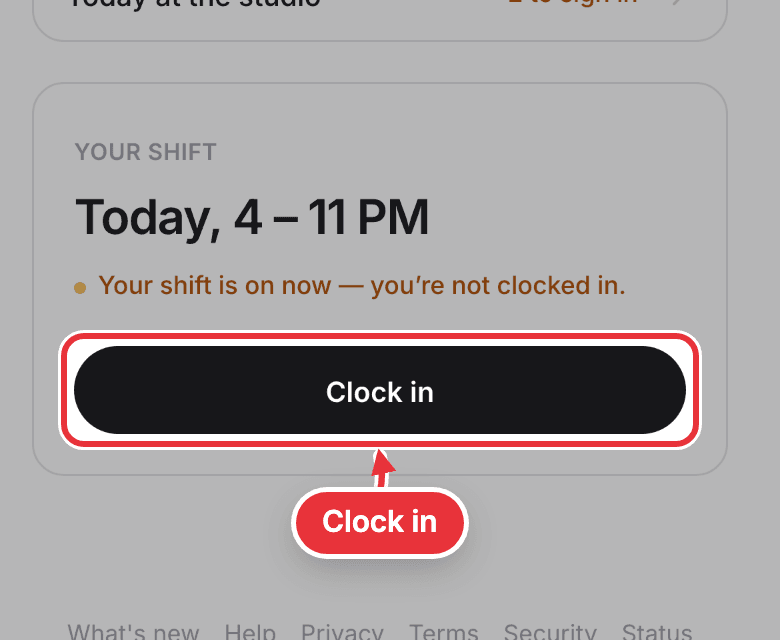
Step 1. When your shift starts, Me says you're not clocked in. Press Clock in.
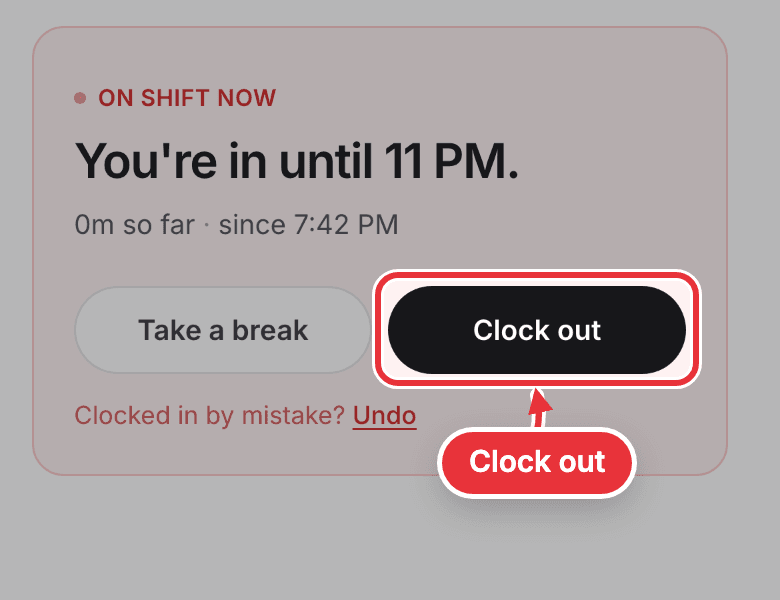
Step 2. Going on a break? Press Take a break (just Break while a live session sits at the top of Me), and End break when you're back. When you leave, press Clock out. Clocked in by mistake? Press Undo in the first 10 minutes.
If your studio only lets you clock in at the studio, the first time you clock in Me says Location required. Press Continue, then Allow when your phone asks to share your location.