File the session report
After every session, one person files a short report: the assistant engineer, or the studio's own engineer when there's no assistant. Your manager can pick someone else.
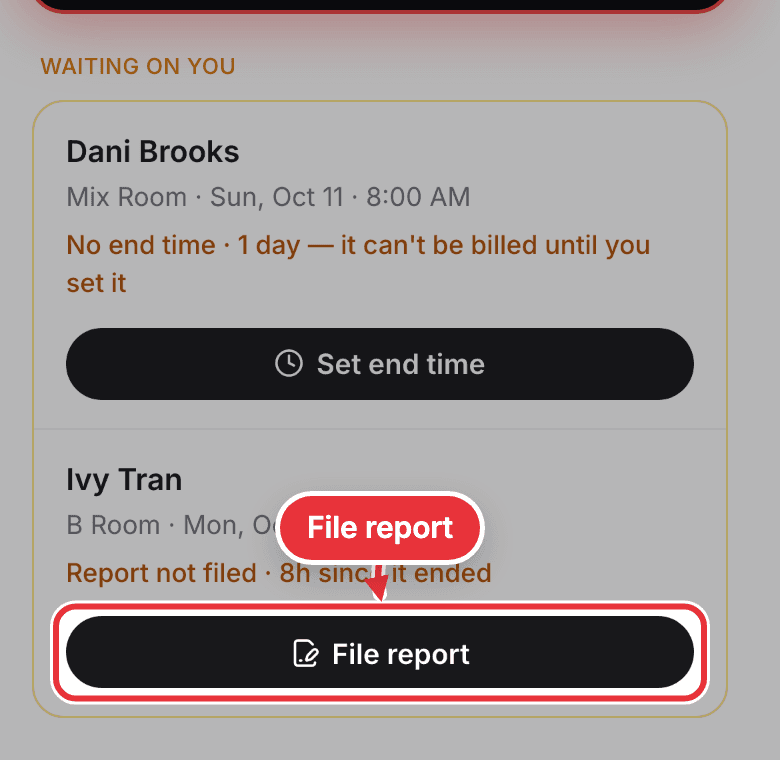
Step 1. On Me, the session waits under Waiting on you as "Report not filed". Press File report.
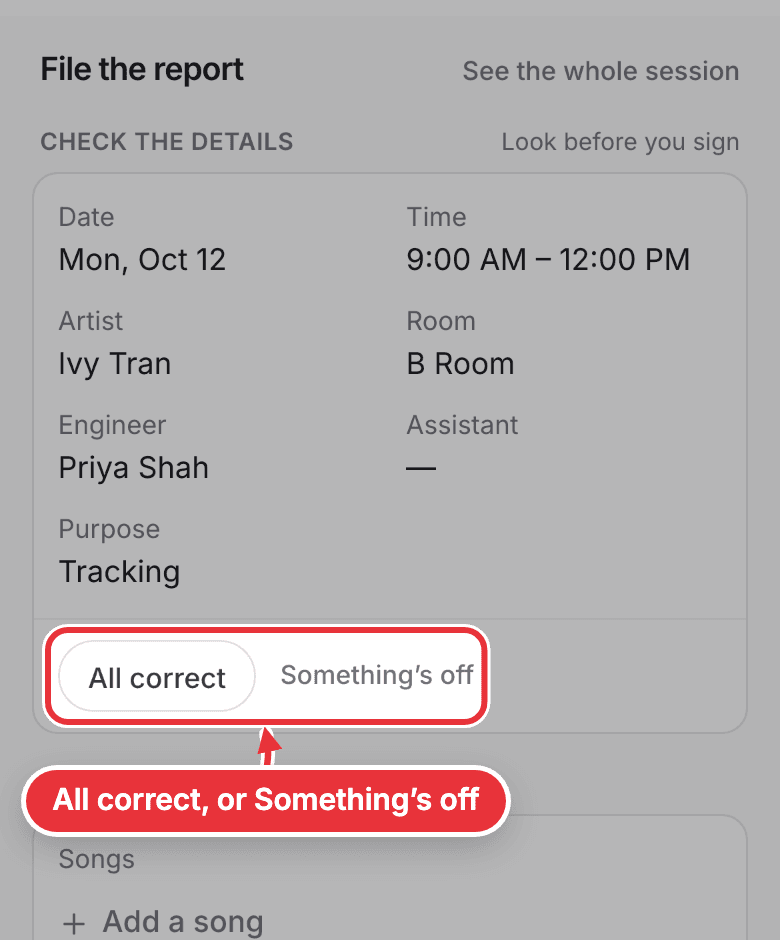
Step 2. Check the date, time, artist, room and crew. Press All correct. If something's wrong, press Something's off and say what; your manager sees it.
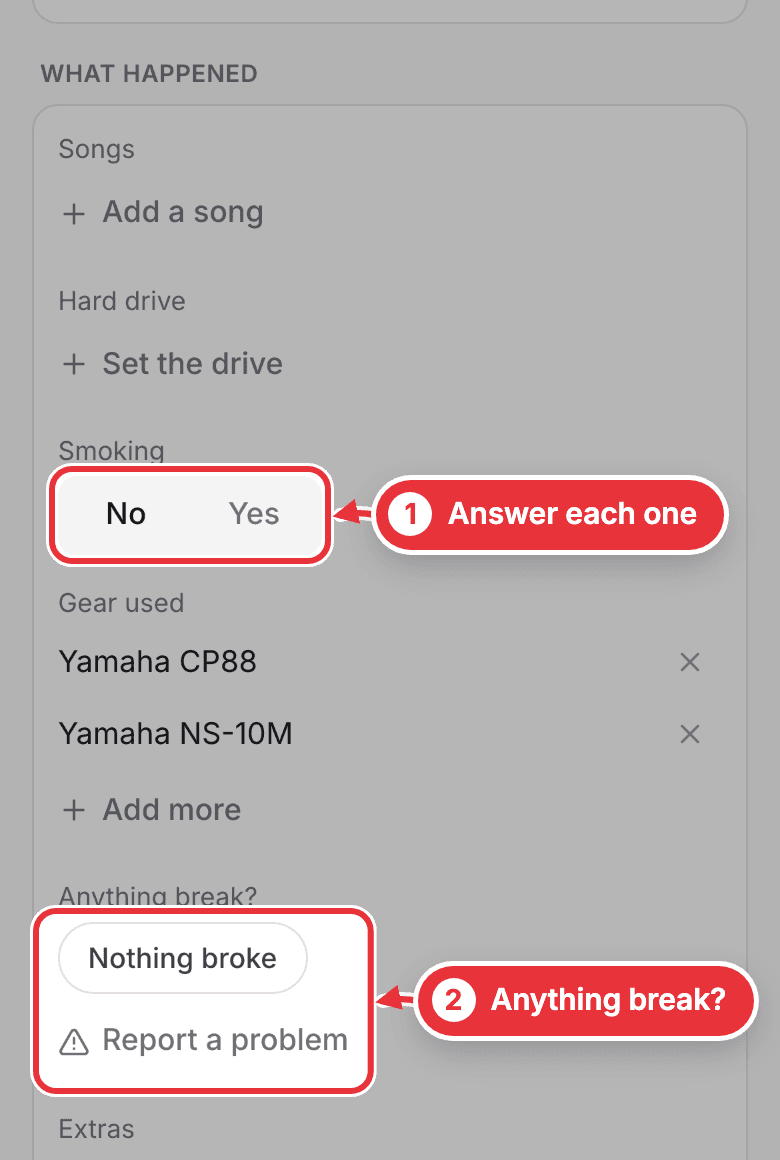
Step 3. Answer what happened: the songs, the hard drive, smoking, the gear you used, whether anything broke, and any extras.
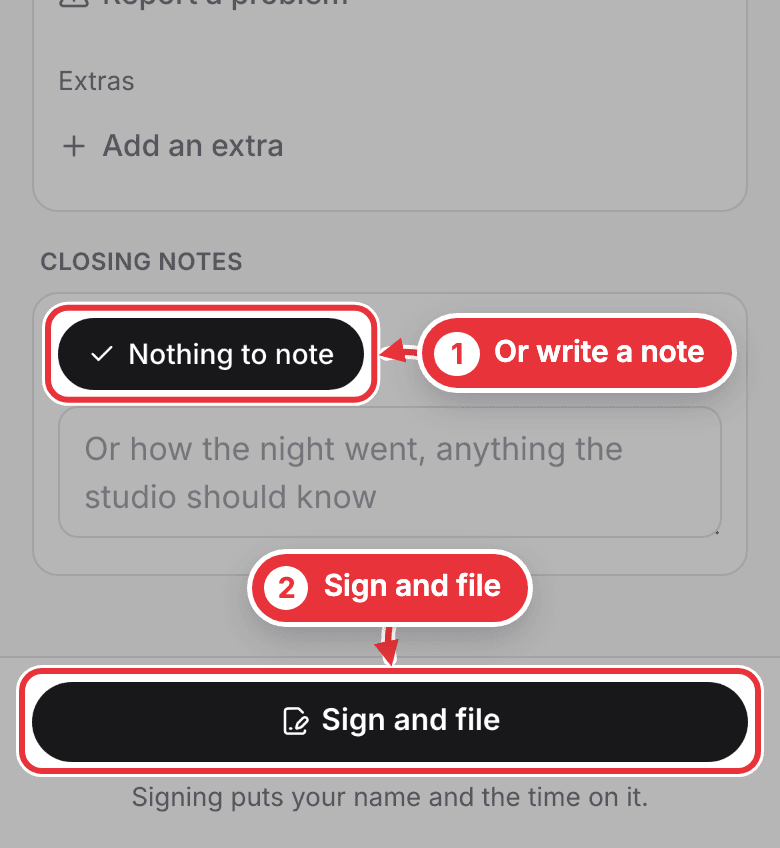
Step 4. Write closing notes, or press Nothing to note. The button at the bottom counts what's left to answer. When it says Sign and file, press it. Signing puts your name and the time on the report.
Not filed yet? You get a reminder 12 hours after the session ends, and another at 24 hours, when your managers are told too.